Download Honista APK
Get the app file for your Android device. Follow the installation guide to complete your setup.
Download APKCheck your device compatibility before installing.
- Platform
- Android
- File format
- APK
- Installation
- Manual
Getting started
Download. Install. Open.
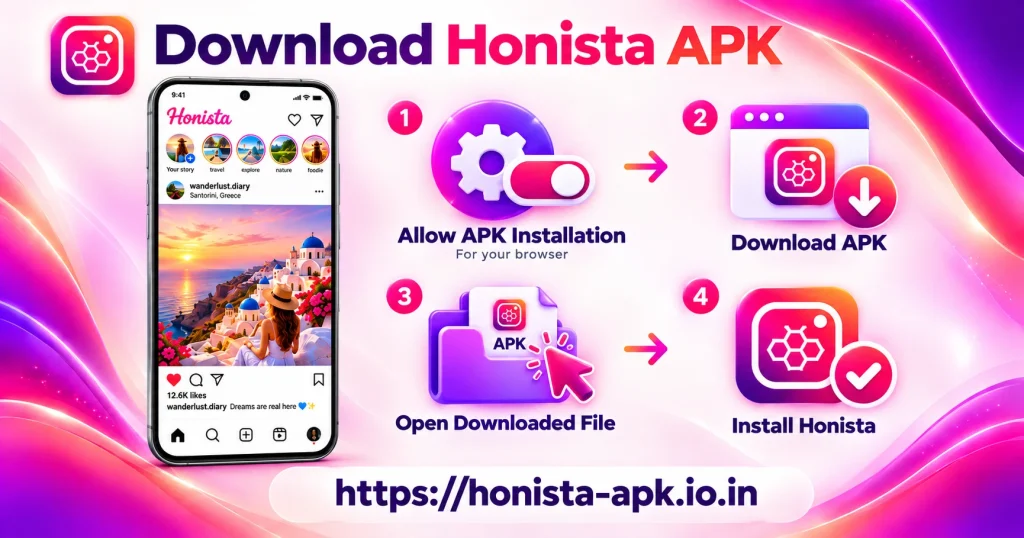
- Save the APK
Tap Download APK and wait until the file has finished downloading.
- Open the downloaded file
Find it in Downloads. If prompted, allow this browser or file manager to install apps.
- Complete the setup
Tap Install, then Open. Turn off the source’s installation permission afterward.
Honista Download
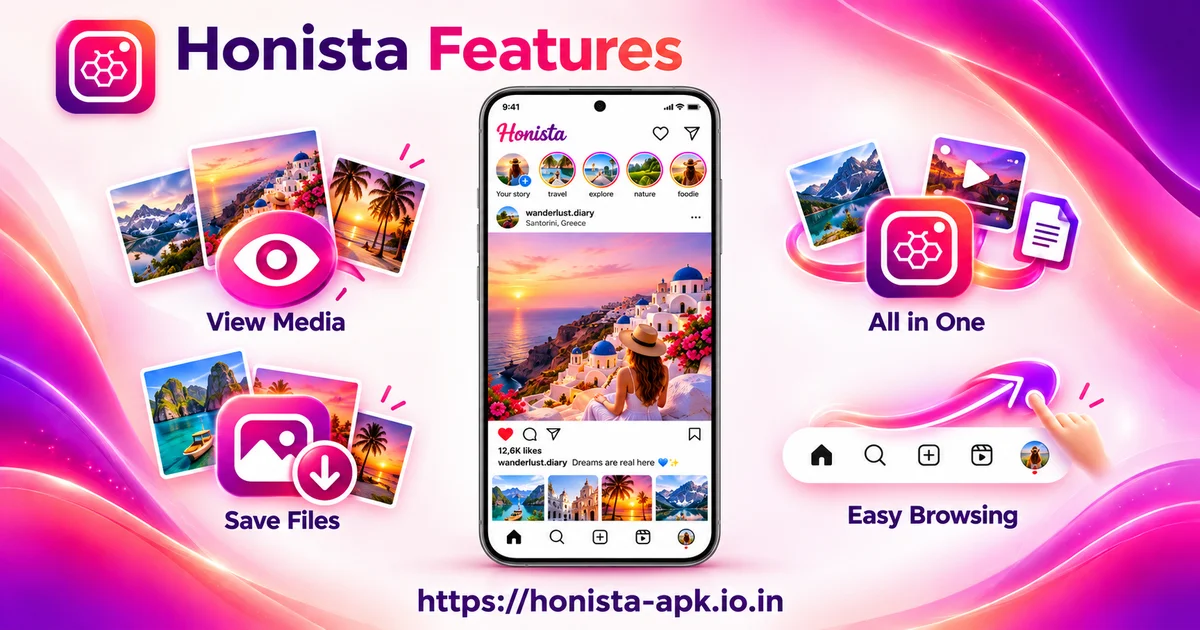
This app is targeted at individuals looking for extra control. It gives extra flexibility while using social media sites. Some of the tools and options available in the latest version of the Honista APK are these. These include privacy options, media options, text copy, account options, and customization options. This can make daily internet navigation easier. Users should first think of their security and privacy. When deciding to use an application that is not offered directly by the website. All the steps of downloading and installing the app are given below.