More ways to make it yours
Honista APK Download
Explore media downloads, privacy controls, and personalized themes for your Instagram experience on Android.
Download details & installation guide
- Media Downloads
- Privacy Controls
- Themes & Fonts
- Profile Zoom

About Honista
We all look for updates and better options in the apps we use every day. Honista was made for exactly this reason. The team behind it looked at what users really need and created a fresh, professional app that offers unique features you cannot find in standard versions. It is all about giving you a smooth and hassle-free experience.
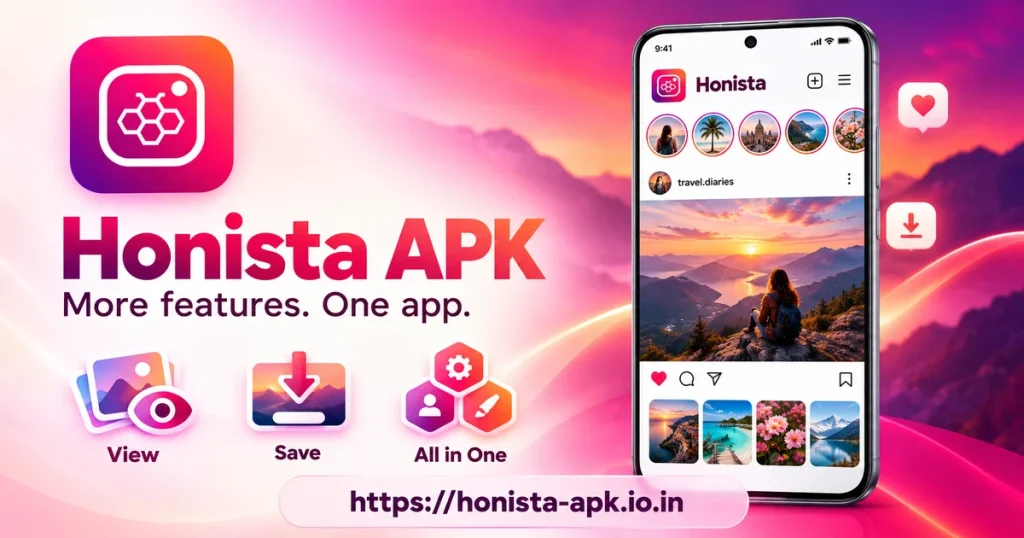
The best part about Honista is how simple it makes things. Usually, you have to download two or three different apps just to do basic things like viewing or saving a file. With Honista, you don’t need any other apps for these small tasks because everything works directly from one place.
What is the Honista app?
Honista is a modified version of Instagram. It uses the official app as its basic foundation but removes the common limits you usually face. Therefore, you can browse your feed freely without watching annoying ads and with much stronger control over your personal privacy.
With the standard app, you often have to use extra tools or take screenshots just to save things you like. Moreover, the Honista APK changes that completely by letting you view and download media directly. As a result, you can look at anyone’s profile picture in full resolution or watch stories secretly without letting the other person know you viewed them.
Why should you use the Honista App?
When you see how it works, it is easy to understand why people like it. You might wonder why you did not try it sooner. Even though the official version is always available, the Honista APK outperforms it by offering exactly what modern users need.
Furthermore, the application runs smoothly on almost all Android devices without lagging. As a result, it gives you a much better balance of quality, compatibility, and real control over your feed.
Honista vs. Insta Pro
| Honista APK | Insta Pro |
|---|---|
| Advanced privacy protection settings | Limited privacy customization |
| Faster browsing and navigation | Moderate browsing speed |
| Easy video downloading | Video downloading may vary |
| Simple image download system | Image download option |
| Enhanced profile viewing options | Basic profile viewing |
| Stable performance during longer sessions | Standard stability |
| Fingerprint and app lock support | Limited app lock support |
| Designed for users who want more customization | Designed for regular Instagram users |
Honista APK Specs
| Detail | Specifications |
|---|---|
| App Name | Honista APK |
| Current Version | v13.0 |
| Base Instagram Version | v467.0.0.43.91 |
| File Size | 104 MB–152.9 MB |
| Developer | PerfecDev |
| Minimum Android | Android 9.0+ |
| Platform | Android |
| App Category | Social |
| License | Free |
| Last Updated |
Honista APK Features
No Screenshot Alerts
This app stops Instagram from sending a notification to the other person when you take a screenshot of a private chat.
Hide View Status
This feature lets you watch stories, posts, and live videos secretly without letting the creator know you viewed them.
Hide Typing Indicator
This option hides the “typing…” sign, so the other person will not know when you are writing a message.
In-App Lock Option
This is a built-in security option that lets you lock the app with a password or fingerprint to keep your chats safe.
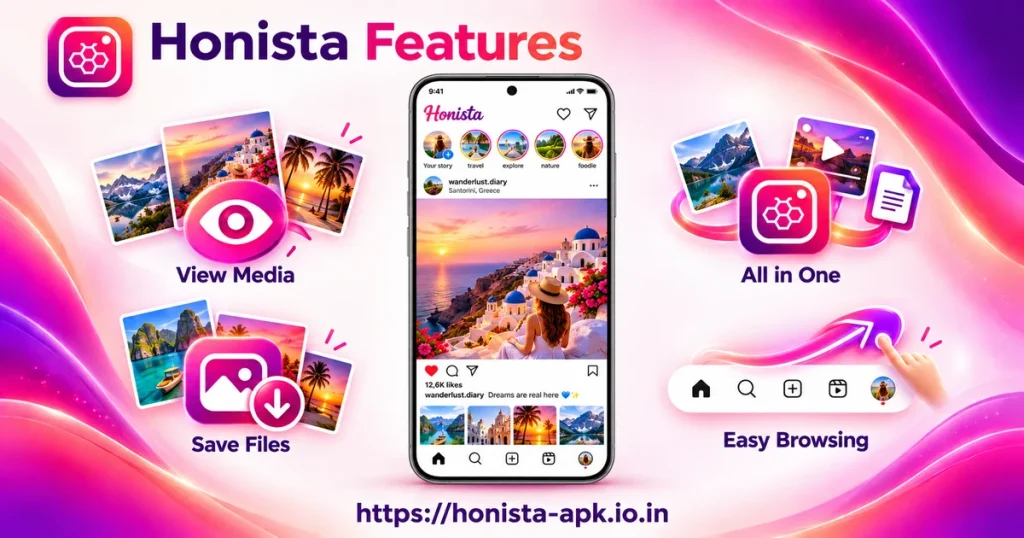
Media Download Support
This tool allows you to download photos and videos directly into your phone’s gallery in original quality.
Download Reels Content
This feature adds a simple download button next to Reels so you can save them to your phone with one click.
High Quality Media Sharing
This app stops Instagram from reducing your photo or video quality, allowing you to upload media in full resolution.
Save Stories Automatically
This system automatically saves and backups stories to your device before they disappear after 24 hours.
Anti-Ban Architecture
This code protects your account from getting banned or blocked by the official Instagram system for using a mod.
Advanced Features
Theme Customization
This feature gives you full control to change the colors, background, and entire look of the application.
Font Style Changer
This option lets you change the text style and fonts inside the app to any design you prefer.
Copy Captions and Comments
This tool allows you to easily select and copy text from any post caption or user comment, which is not possible in the official app.
Comment Control Tools
This settings menu helps you block bad words, filter spam, and manage comments on your posts much better.
Disable Explore Suggestions
This feature turns off recommended posts on your Explore page so you only see what you actually want.
Multi-Account Support
This system allows you to log into multiple Instagram profiles and switch between them instantly without logging out.
Create Group Accounts
This utility improves group chats by giving you more admin controls and better options to manage group members.
How to Download Honista APK
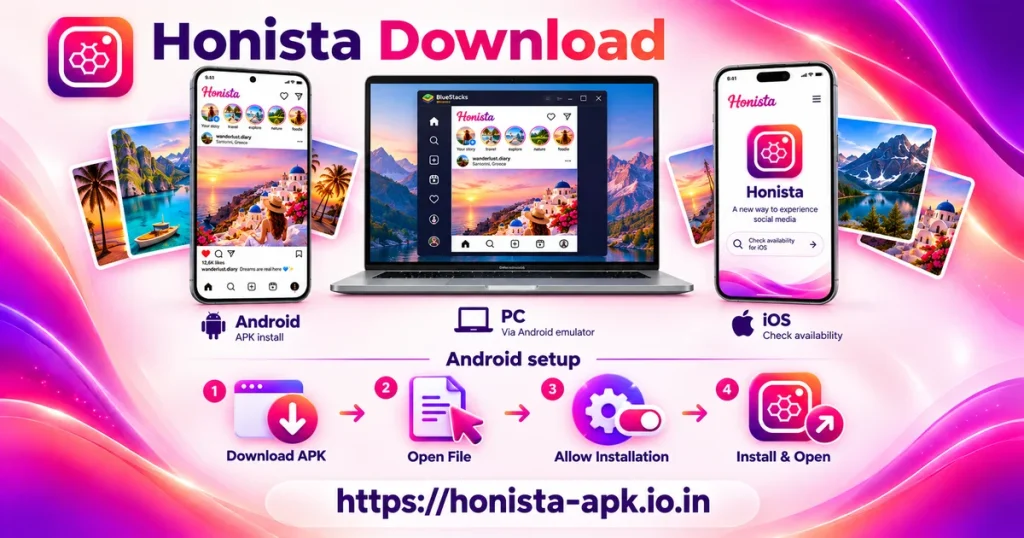
Honista is a third-party application; it is not available on the official Google Play Store. You must download and install it manually from a web browser.
How to Download & Install
-
Download the file
Open your mobile browser and download the Honista APK file.
-
Open your downloads
Go to your Downloads folder and tap the downloaded file.
-
Review installation permission
If prompted, open Settings and allow installation from your browser or file manager only if you trust the source.
-
Install and open
Tap Install and wait for it to finish. Then tap Open to launch the app.
How to Install on PC
-
Install an emulator
Download and install an Android emulator such as BlueStacks.
-
Launch the emulator
Open the emulator on your computer and let it finish loading.
-
Download the APK
Download the Honista APK file using your computer’s browser.
-
Drag and drop the file
Drag the downloaded .apk file into the emulator window to begin installation.
Honista for iPhone: Availability
Honista currently has no official iOS version. Its Android APK cannot be installed on an iPhone.
-
Android installation only
The available APK is designed for Android. Opening it in Safari does not make it compatible with iOS.
-
Check the developer
An app with the same name is not necessarily the same product. Verify its developer and description before installing.
-
Profiles do not convert APKs
Trusting a configuration or developer profile does not enable an iPhone to run an Android app.
-
Use Instagram on iPhone
Install Instagram from the App Store or access its website in Safari to use the service on your iPhone.
How to Use Honista APK
Download and install: Get the newest compatible version from a source you have verified and install it on your Android phone.
Log in: Open the app and carefully enter your account details.
Set your privacy preferences: Go to Settings and review the available options for who can see your information and activity.
Personalize the appearance: Choose your favorite colors and themes from the options available in your version.
Save photos and videos: Use the download buttons to save supported media directly to your phone.
Manage story visibility: Enable the story-view privacy option, if supported, before viewing stories privately.
Enlarge profile pictures: Use the available profile-picture zoom option to see images more clearly.
Enable dark mode: Turn on the night or dark theme for a darker screen that may feel more comfortable in low light.
Switch between accounts: Add more than one account so you can switch between your profiles easily.
Adjust your feed: Use available ad controls and content preferences to reduce ads and posts you do not want to see.
Share your media: Use the available sharing tools to send photos and videos to other apps.
Honista APK Gets Regular Updates
Honista APK is updated from time to time to improve the overall experience. New releases may bring useful features, performance improvements, and fixes for common issues. These updates can also help the app work better on newer Android devices. Therefore, users should check the version information before installing an updated release.
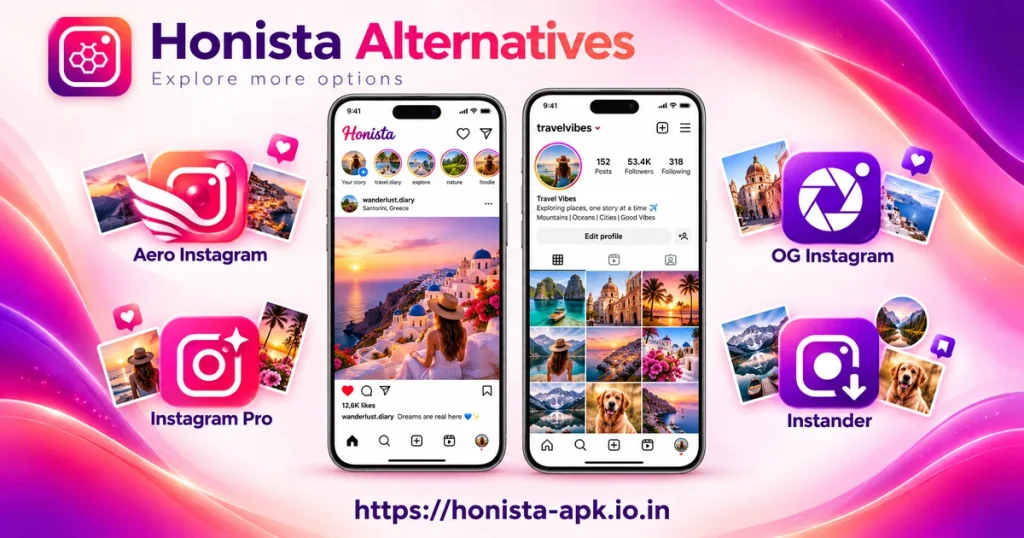
Honista APK Alternative
Aero Instagram
Aero Instagram gives users more options to change the look of the app. It offers different themes, fonts, and other design options. Users can also save photos, videos, and reels to their devices. It is a useful choice for people who like a more personal Instagram design.

OG Instagram
OG Instagram adds some extra features to the normal Instagram experience. Users can save stories, reels, and highlights directly to their devices. The app also includes some extra settings for customization. It can be a simple option for users who want more features while using Instagram.

Instagram Pro
Instagram Pro offers several extra options for Instagram users. It may include themes, fonts, media-saving tools, and other settings. These features can give users more control over the way they use the app. The available features can also depend on the version of the app.
Instander
Instander is a modified Instagram app made for Android users. It offers extra features for browsing and saving Instagram content. Some versions also include options to reduce ads and change privacy settings. Users should check the features of the specific version before installing it.
GB Instagram
GB Instagram adds extra features to the normal Instagram app. Users can save photos, videos, reels, and stories. It also offers more settings for privacy and customization. It can be a good option for users who want more control over their Instagram experience.
Insta Pro
Insta Pro provides extra options for Instagram users. It may offer features such as media downloads, themes, and additional privacy settings. The app gives users more ways to change their Instagram experience. Features may differ depending on the version.
Honista Security and Privacy Settings
App Icon & Name Change the app icon and name to resemble a simple clock or notes app, making Honista less recognizable.
Private Chat Button Easily show or hide the private chat button on your main toolbar whenever you want.
Hidden Chat Notifications Stop notifications from hidden chats from appearing on your screen to help keep your messages private.
Individual Chat Lock Protect individual chat screens with a secure PIN code or fingerprint lock.
Hidden Folder Visibility Choose whether your secret chats appear immediately when you open the hidden folder.
Application Lock Protect the entire application with a main password or fingerprint lock.
Automatic Lock Set the app to lock automatically after it has been idle for a few minutes.
Quick Lock Icon Show or hide the quick lock icon on your top bar.
Privacy with Ghost Mode in Honista APK
Advanced Customization in Honista APK
Honista provides built-in features to change the app’s look directly from your settings. Consequently, you can customize the layout to match your style without extra apps.
Night Mode
This feature allows you to easily switch between light and dark layouts.
50+ Themes
This option transforms the visual interface with over fifty unique colors.
Chat Backgrounds
This setting lets you set a custom wallpaper across all conversations.
iOS Emojis
This tool gives you access to more than ten distinct emoji styles.
App Fonts
This layout control changes the typography across the whole platform.
Story Fonts
This option provides full creative control over the text in your stories.
Content and Ad Control Filters in Honista
Through these settings, you can customize what shows up in your feed and remove unwanted elements.
First: Remove Ads and Suggestions
Instantly hide paid commercials and promotional posts from your main feed.
Stop the app from showing automated keyword recommendations.
Clear out suggested profiles or pages that you haven’t explicitly followed.
Turn off algorithmic recommendations that push random posts onto your screen.
Limit background internet consumption when applying these features to ensure a smoother experience.
Second: Post Filters
Filter out all video clips if you prefer a text- or image-only browsing experience. This lets you easily tailor your media preferences.
Keep photo updates from showing up on your screen.
Restrict content from chosen pages without unfollowing them completely.
Stop posts from specific communities or groups from appearing in your timeline.
Automatically remove posts you have already interacted with and liked.
Hide items you have already scrolled past to keep your feed fresh.
Honista Backup Settings
You can back up your Honista settings to restore your preferences after reinstalling the app or switching devices. Keep a copy of the backup file outside your phone so you can access it if your phone is lost.
Open Honista settings and tap Backup Settings.
Tap Create Backup, then tap OK.
The app will show you where the backup file is saved on your phone.
Keep the file for restoring your settings later, or share it with friends after checking that it contains no sensitive information.
Pros and Cons of Honista APK
Pros
You can save supported photos, videos, stories, and reels directly to your phone using the built-in download options.
Ghost Mode may offer controls for story views, message read receipts, and live-viewing visibility, depending on the version.
Supported ad controls can reduce sponsored posts and stories for a less cluttered feed.
You can personalize the app with custom themes, fonts, and emoji styles available in your installed version.
Feed filters let you hide supported categories of content, such as suggested posts, reels, or videos.
Some builds may retain messages after the sender deletes or unsends them.
Supported low-data settings can reduce media quality to help limit mobile data usage.
Cons
Using an unauthorized Instagram client can create account-policy risks, including possible access restrictions or suspension.
Sharing login details and private messages with an unofficial client introduces additional security and privacy risks.
Updates are not delivered through the Google Play Store, so you may need to download and install newer versions manually.
Meta does not provide support for problems specific to the modified app, such as crashes or compatibility errors.
Downloading APK files from unverified websites increases the risk of installing malware on your phone.
FAQs of Honista APK
The Final Thought
Honesta APK is a powerful choice for users who want premium features like direct media downloads and anonymous story viewing. For this reason, many people prefer it over the standard app to get full control of their social media experience. However, you must remember that using a modified third-party application carries real risks, including potential account bans and security issues. In short, if you download it safely from trusted sources, this app provides an excellent, feature-rich experience that official apps simply do not offer.